Terminal + AI
Done Right
Risk labels. Cost tracking. Your API keys.
See what you're running before you run it.
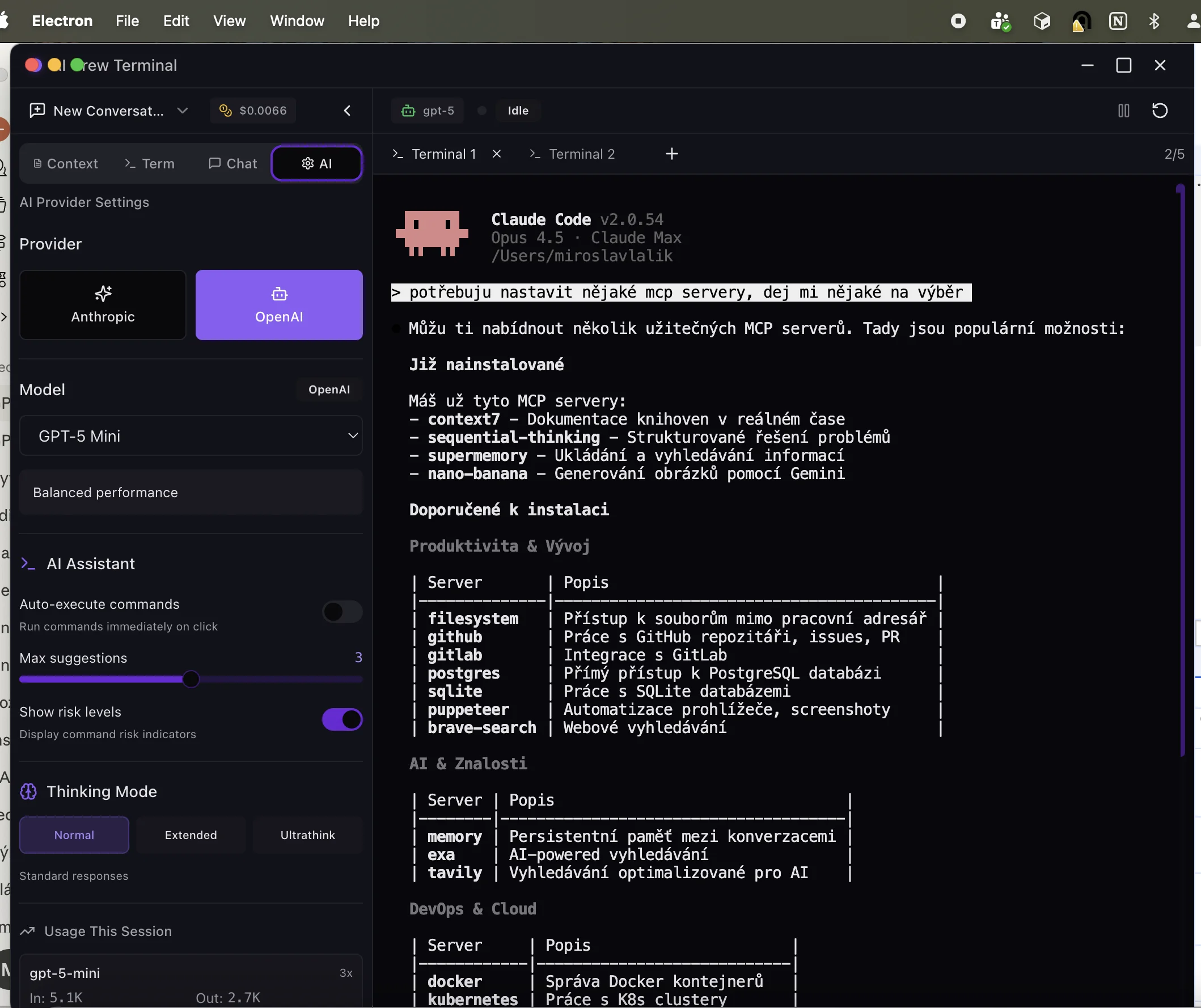
Powerful Features
Built for developers who want AI assistance without surprises
Risk-Aware Suggestions
Every command suggestion is labeled with a risk level. Know exactly what you're running before you hit enter.
Multi-LLM Support
Switch between Claude and OpenAI models instantly. Use the best model for your task with one click.
Real Terminal (node-pty)
Not a simulation. A real PTY-based terminal with full shell support. Works with your actual environment.
Cost Transparency
Track token usage and estimated costs in real-time. Per-model breakdown with input/output token counts.
Context-Aware Assistance
Add project context, files, and documentation. AI understands your codebase for better suggestions.
Multi-Tab Terminals
Run multiple terminal sessions side by side. Each tab maintains its own context and history.
See It In Action
A beautiful, functional interface designed for productivity
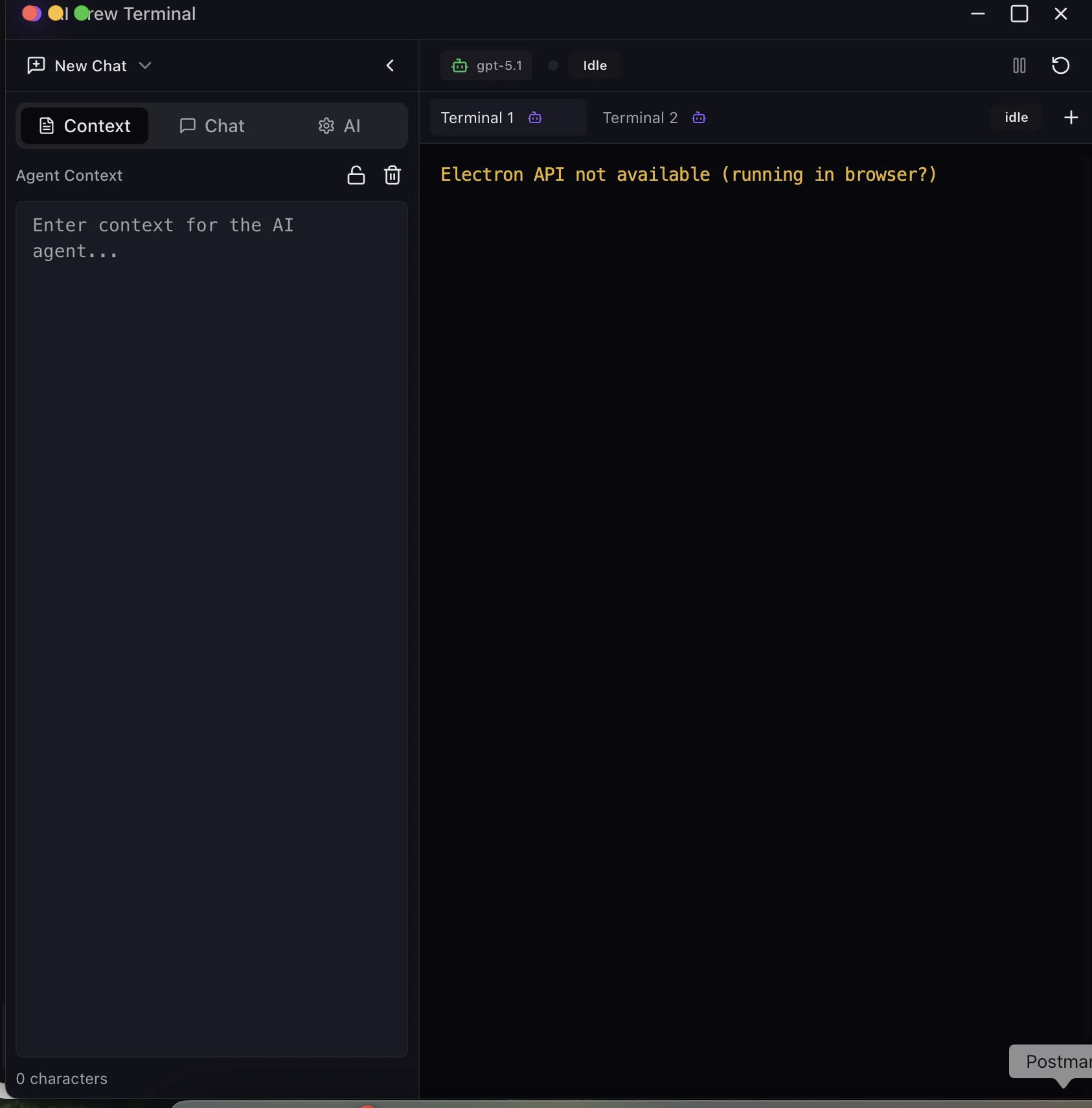
Clean, Intuitive Interface
Context panel, chat, and multi-tab terminal in one powerful workspace
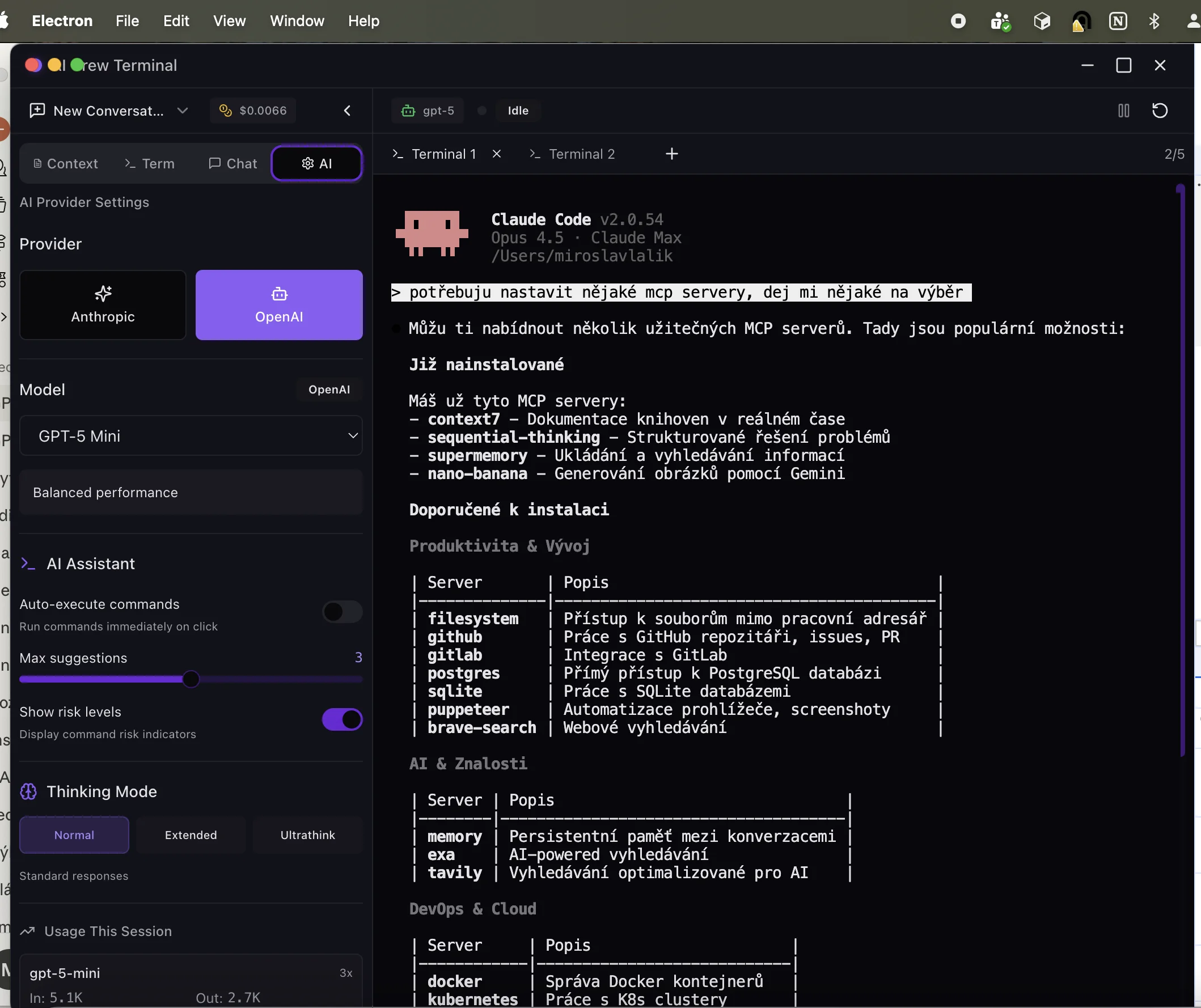
Flexible AI Configuration
Switch between providers, adjust thinking modes, and customize your experience
Get Started with AiCrooo
Download for macOS, Windows, or Linux. Free to use with your own API keys.
Version 0.1.4